 EN
Quick Links
A driver backing towards a loading bay needs to see the relevant area from the cab. A dispatcher checking a delayed vehicle needs a different view of the job. Later, a supervisor reviewing damage needs a recording from the time of the event.
All three tasks may involve vehicle cameras, but they do not call for the same equipment or way of accessing the picture. The most useful starting point is to identify who needs to see what, and when.
An in-cab monitor serves a person inside the vehicle. Remote live view serves an authorised person connecting from elsewhere. MDVR recording preserves selected views for later review. A fleet may need one, two or all three functions.
| Function | Main user | Typical task | What the buyer needs to establish |
|---|---|---|---|
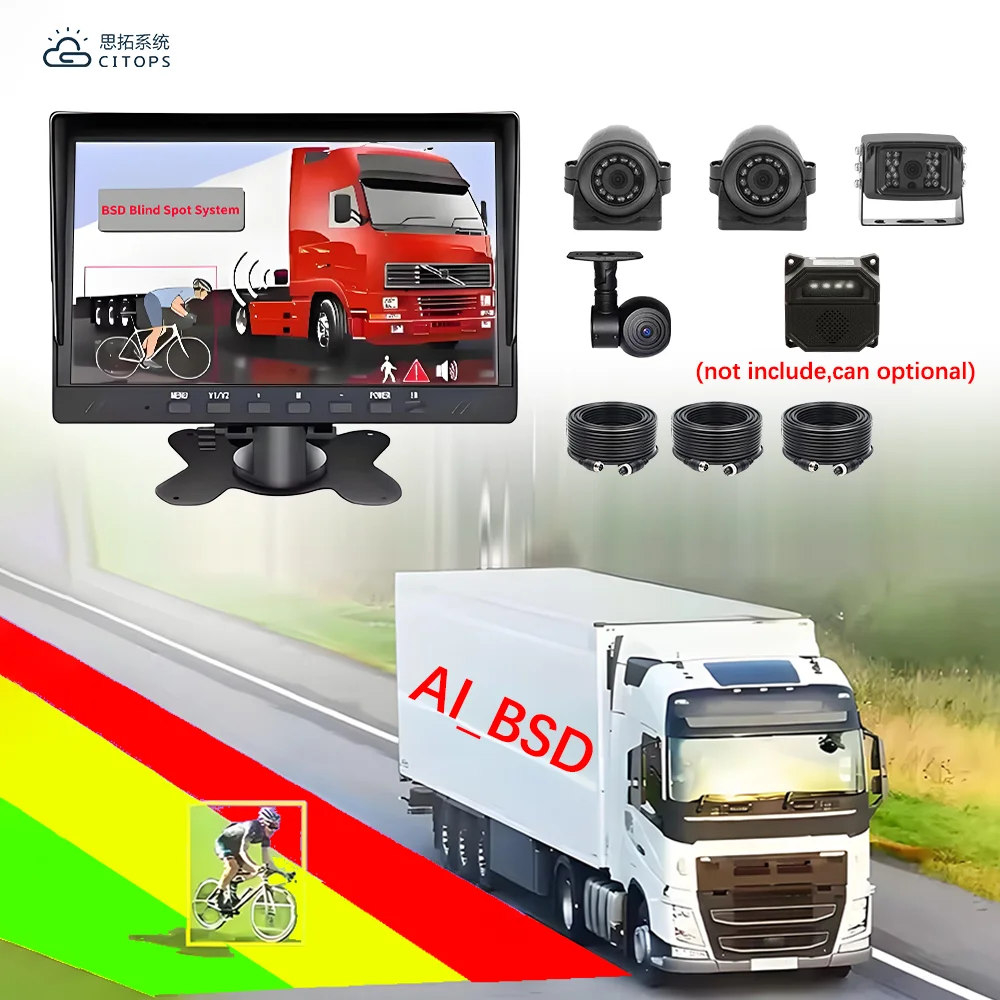
| In-cab camera display | Driver or vehicle operator | Observe a relevant rear or side area during an operating task | Appropriate view, usable display and responsive local operation |
| Remote live view | Dispatcher or supervisor | Understand the vehicle's current surroundings when connected | Network availability, authorised access and a suitable picture |
| MDVR recording and playback | Incident reviewer or fleet manager | Examine what happened earlier | Required recorded channels, retention and reliable retrieval |
A camera appearing on a screen does not, by itself, establish that the same view is being recorded. Likewise, a vehicle shown as online does not establish that a particular camera feed is available to every user. These are separate functions to verify in the proposed package.

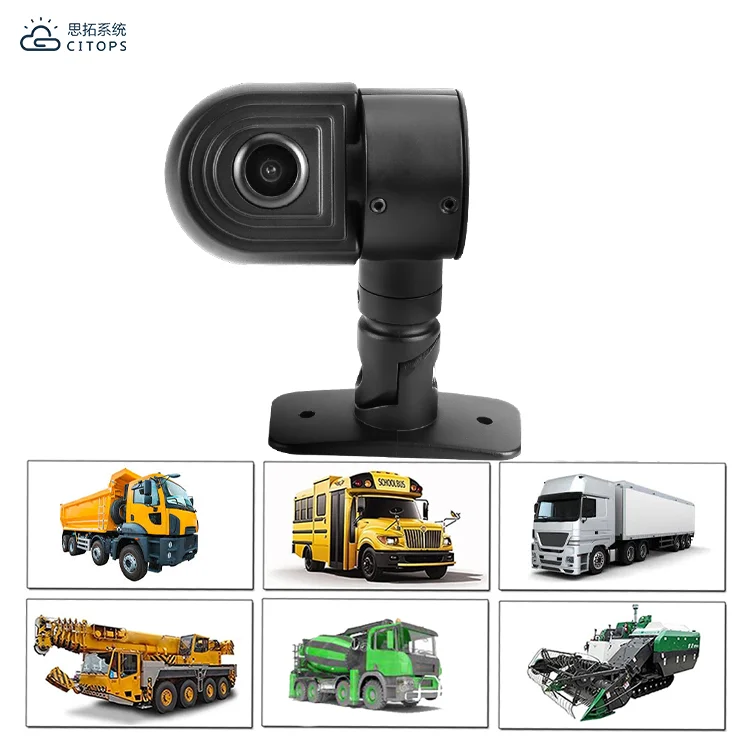
Take a truck approaching a loading bay. The driver may need a rear view for the approach and another view of an area alongside the vehicle. The useful display is the one that makes the required scene understandable during that task.
Screen size alone cannot establish this. The camera view, picture orientation, display readability and way of selecting the feed all matter. A small-looking object in a multi-view layout may be difficult to judge even when the screen itself is large.
Ask to see the proposed display operating with the intended cameras. Check whether the driver can identify which side or rear area is shown and whether the required detail remains visible in the chosen layout. If automatic view changes are part of the proposal, include those functions in the demonstration rather than assuming they are standard.
Remote access answers a different question. A supervisor watching from an office can gain context, but that connection should not be treated as the driver's maneuvering view. The local viewing arrangement needs to be evaluated for the driver's task on the vehicle.
Remote live view is useful when someone needs to understand a situation that is happening now. A dispatcher investigating an unexplained stop, for example, may want location information together with a relevant current view.
The fleet should define the purpose of that request. If the question is why a vehicle was delayed earlier, stored video may be more useful than a live picture of the current road. If the question is where the vehicle is, location information may be enough.
This distinction also helps with mobile data planning. Selected live sessions and continuous streaming have different communication demands. The buyer should state the expected number of users, typical session length and required views so the supplier can assess the intended service.
Remote viewing depends on the proposed communications and software, as well as coverage where the vehicle operates. A demonstration in the supplier's office cannot establish how a fleet's normal route will behave. Include representative operating conditions when evaluating the remote function.
Suppose the driver had a clear rear picture during a delivery, but a loading-area complaint arrives after the truck leaves. That live display has already served its immediate purpose. The review now depends on whether the relevant camera was recorded and whether the event can be found.
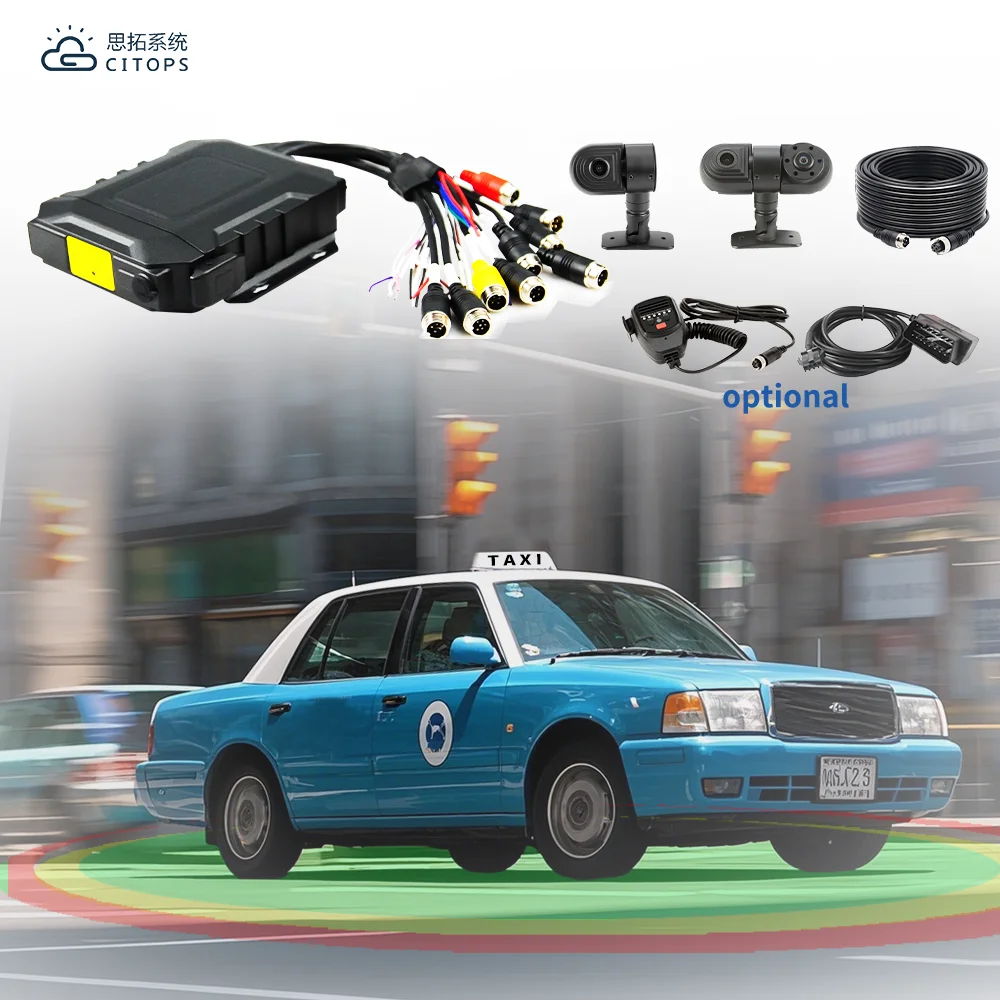
For an MDVR project, define the channels that must be stored independently, the required operating period and the method for retrieving a selected interval. It should be possible to explain this without referring to the live display layout.
A four-way screen is a display arrangement; it should not be accepted as proof that four separate recordings can be retrieved. Ask for playback of the actual channels and an exported sample. The reviewer should be able to use the exported material without guessing which view or vehicle it belongs to.
A local viewing project may be appropriate where the main requirement is helping the operator see a relevant area. Its specification should concentrate on the views and compatible display. Add recording only when the fleet has a reason to preserve those views.
A viewing and recording project serves the driver during the task and the reviewer afterwards. Confirm both the live picture and the stored channels using the proposed configuration.
A viewing, recording and remote-access project adds off-site visibility. It needs a clear remote-use case, suitable communications and the software functions the intended users will actually use.
The configurations are starting points for discussion. A fleet can also require recording and remote access without an in-cab display. There is no reason to add a monitor when no on-vehicle user needs that view.
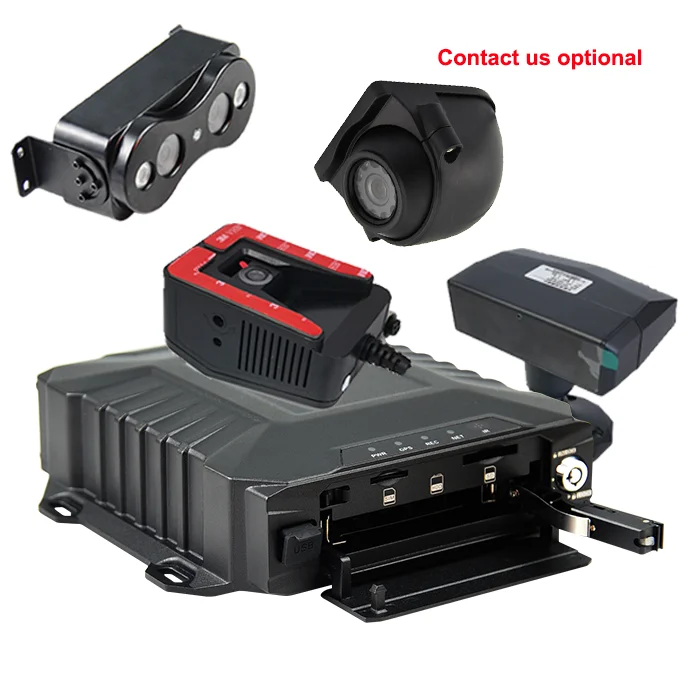
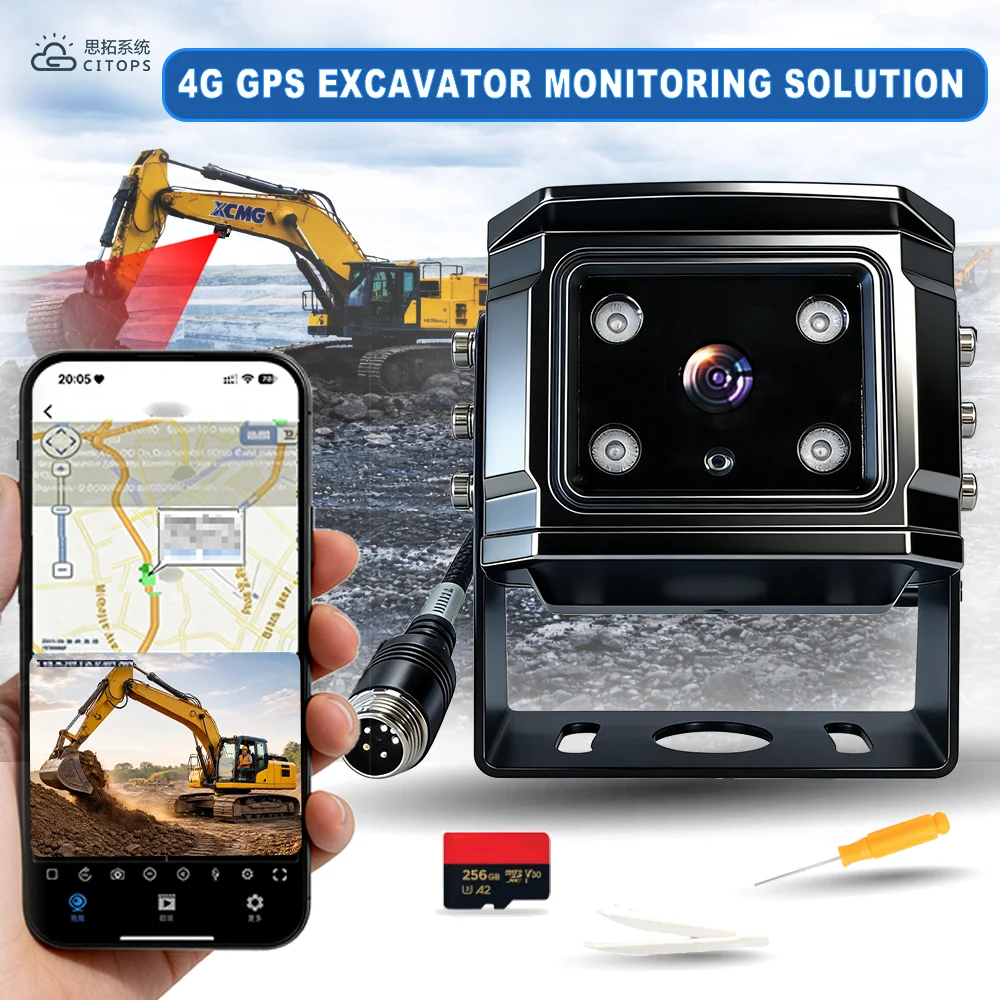
CITOPS offers vehicle monitors alongside mobile recorders. For example, the published M16Hv product specification lists a CVBS output and optional VGA output, as well as local storage and communications options. Those details help establish a candidate arrangement, but the selected display, output and operating functions still need to match.
Before ordering, request a demonstration covering the driver's view, a recorded interval and a remote session where required. Ask the supplier to identify which functions and components are included in the quotation.
Contact CITOPS with the vehicle type, the people who need access and the tasks each person must perform. That brief provides a stronger basis for a camera system proposal than a request for a screen size or a channel count alone.
 Hot News
2026-09-24
2026-09-16
2026-09-11
2026-09-04
2026-08-28
2026-08-14

CITOPS delivers cutting-edge in-vehicle video systems with 4G GPS tracking, AI algorithms, and cloud monitoring. Trusted in 120+ countries, we offer customized MDVR solutions for enhanced fleet safety and operational efficiency.
11/F,BlockA,Delux Sci-Tech Park,No.5 Guanle Street, Longhua District,518110,Shenzhen,China.
Copyright © 2026 Shenzhen Citops Systems Co., Ltd. All rights reserved Privacy Policy
粤ICP备 14015289 号